All case studies

Implementation of AI in inventory replenishment

Using AI to surface reliable stock estimates before planners commit—so replenishment becomes faster, clearer, and worth trusting.

Context

Replenishment is how retail teams restock: analysing performance, closing assortment gaps, and moving inventory to prevent shortages or overstock.

In this scenario, the existing Replenishment flow is blocking sales motion. Clients won't adopt Stock AI unless it clearly improves planner productivity and measurable earnings.

Interviews showed merchandising teams find the platform hard to use—many revert to spreadsheets or competitors. Low engagement is slowing Stock AI's growth.

What the audit revealed

Three patterns emerged from reviewing the current experience and its business impact.

01

At a glance

  • Too much data on screen at once.
  • Little guidance on what needs action now.
02

Usability friction

  • Overwhelming first impression.
  • Hard to parse quickly.
  • Simple tasks require too many steps.
  • Business value isn't visible at the point of decision.
03

Business cost

  • Low daily engagement with Replenishment.
  • Teams default to spreadsheets or rival tools.
  • Harder sales conversations and slower growth.

Problem framing

Today

Replenishment is slow and unreliable, so planners avoid it—leading to stale data and workarounds.

The question

How might planners decide what to restock quickly and confidently, without returning to spreadsheets?

Audience

Merchandising and inventory planners in fast-moving retail environments.

Success

Higher daily usage, less time per decision, and visible impact on sales and stock health.

User flow

The shift: from digging through raw data to acting on clear, ranked recommendations.

Proposed flow—surface only items that need attention, review a focused UI, adjust if needed, apply a transfer or reorder in one step, then see expected impact immediately.

User journey

Planner opens Replenishment

  1. 1

    Actionable alerts — only stockout or overstock risks, ranked by urgency.

  2. 2

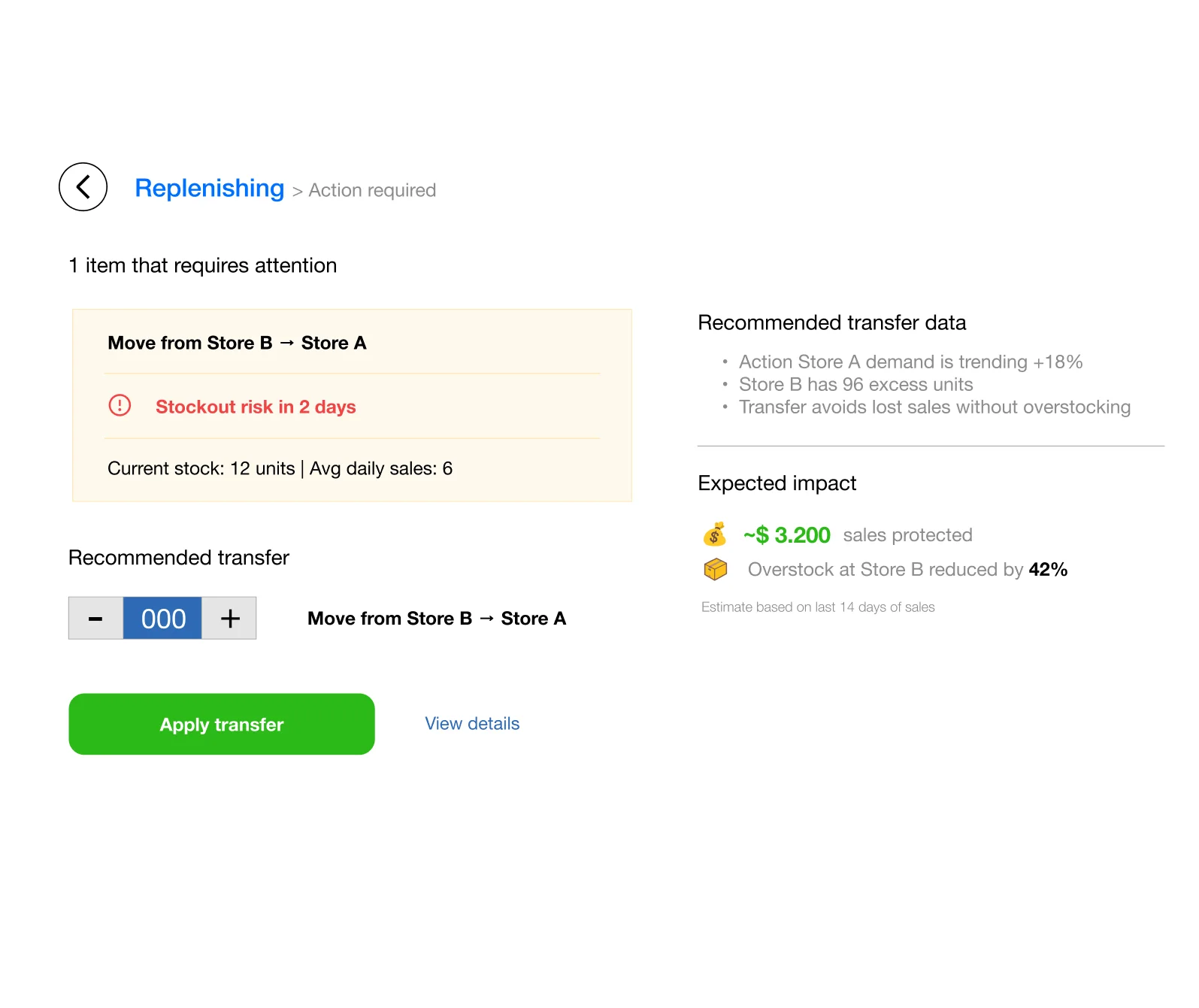
    Recommendation card — suggested quantity, source/destination, reason, and expected impact.

  3. 3

    Decision — accept the recommendation or adjust inline.

  4. 4

    Action — one-click transfer or reorder, no extra setup screens.

  5. 5

    Confirmation — revenue protected and units rebalanced, then on to the next alert.
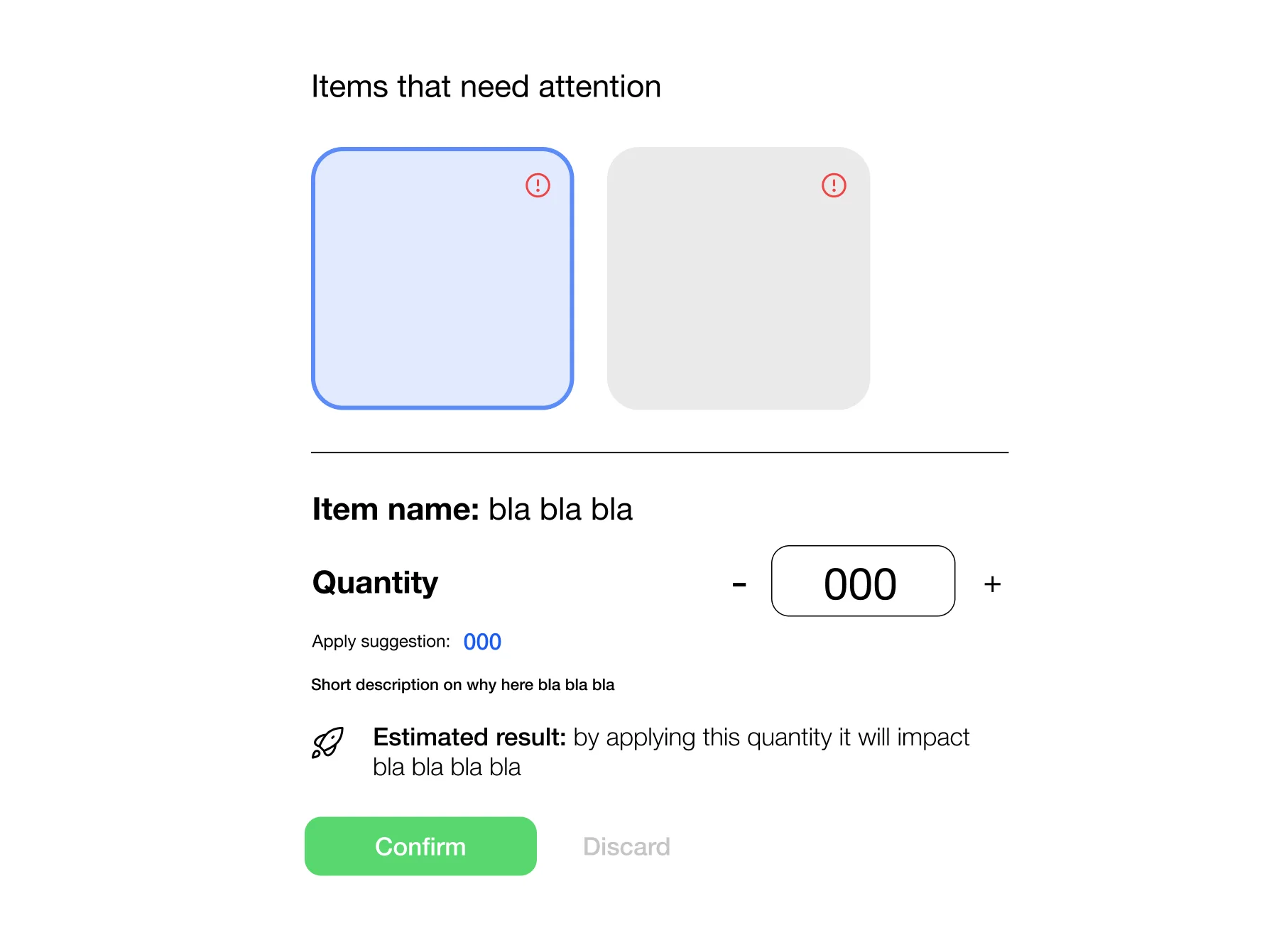
Dashboard focused on at-risk items only—no full inventory tables. Recommendation cards show what to move, how much, why, and a single clear action.

High fidelity

The core decision moment

  1. 1

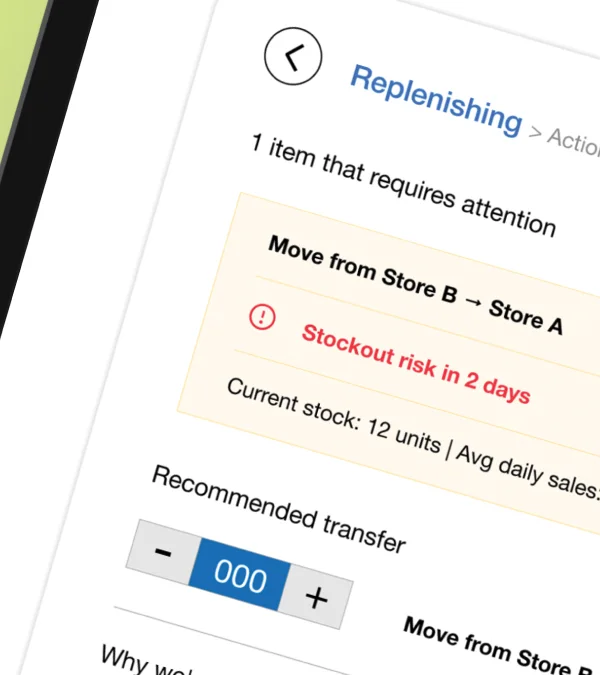
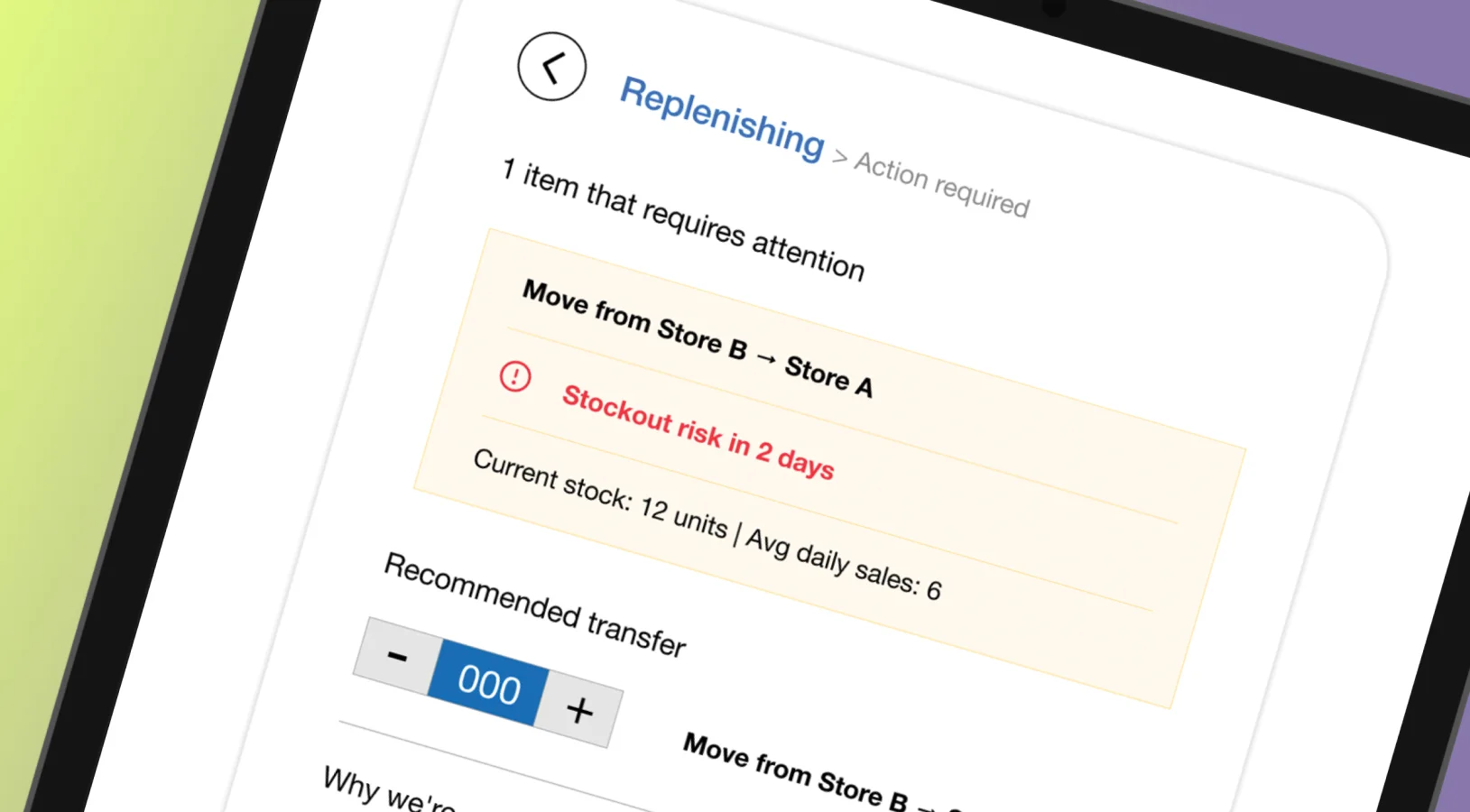
    At-risk store is immediately visible.

  2. 2

    Suggestion is clear and editable inline.

  3. 3

    Short explanation builds trust in the AI estimate.

  4. 4

    Impact preview shows protected revenue or reduced risk.

  5. 5

    Primary action: apply transfer.

Outcome

From data table to action workflow

Replenishment reframed as an action-first experience—planners see what matters, what to do, and why the recommendation is trustworthy.

Less friction at the decision moment, with business impact visible when it counts. That supports adoption, trust in Stock AI, and stronger value in both daily use and sales conversations.